Getting Started with Nature’s Notebook


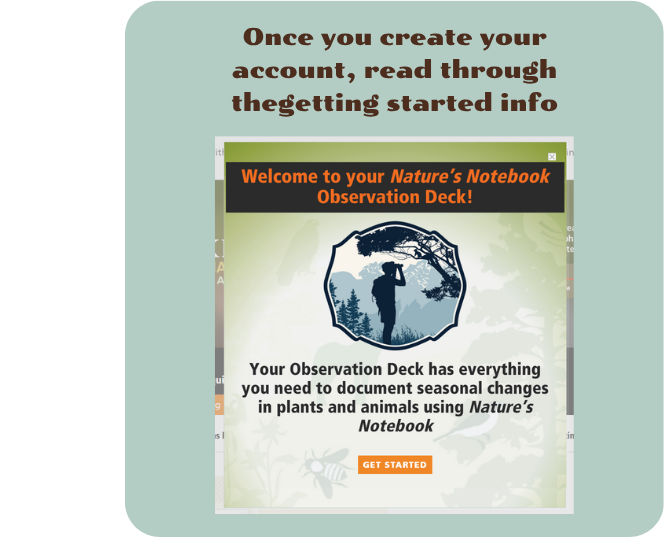
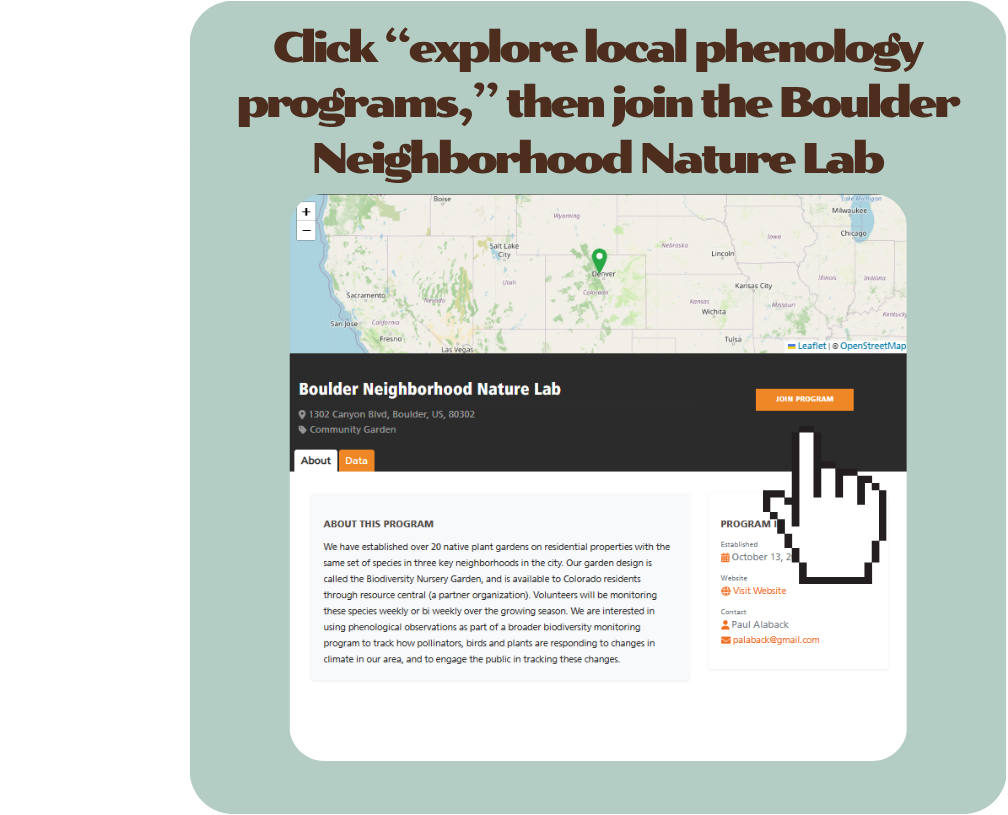
Natures Notebook will be used to document when each of your garden in the box garden plants and shade trees reach different phenological stages, such as first leaves, first flowers or fruits.
Adding your Nature’s Notebook Observations
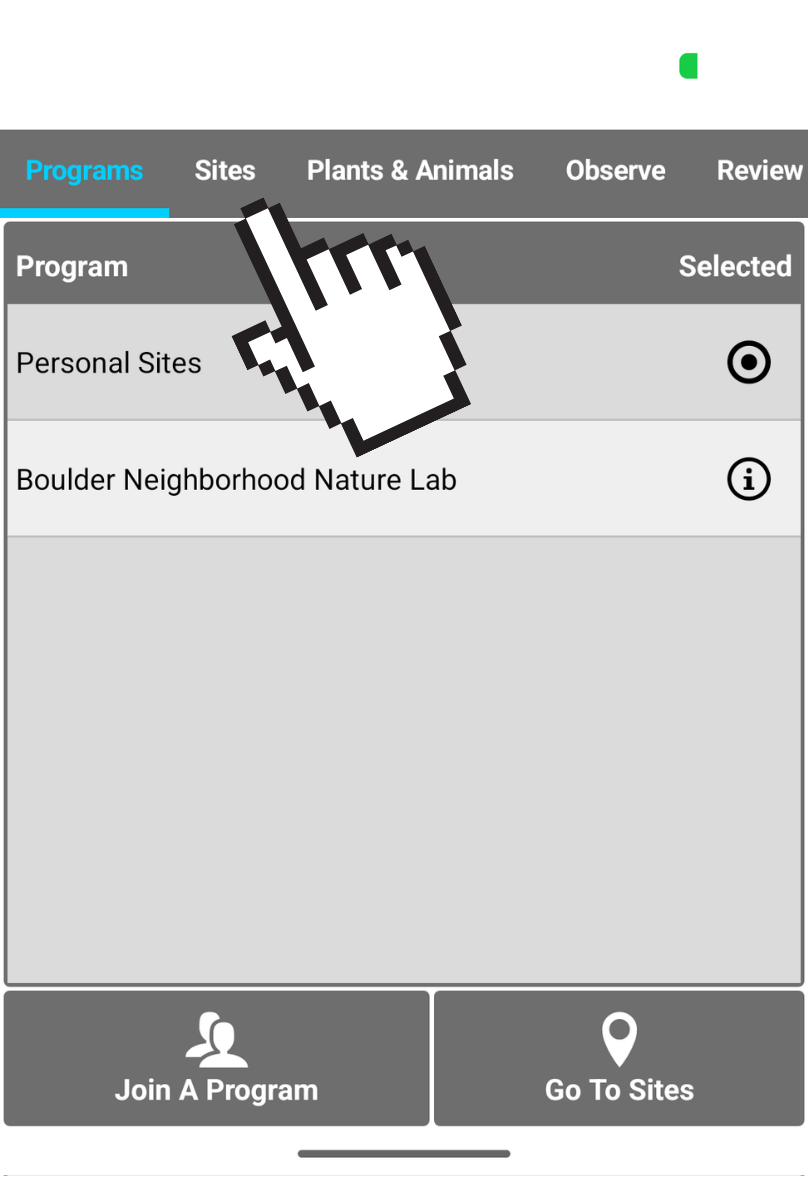
This is where it get’s fun! Add your Nature’s Notebook observations to track your yard’s phenology
1) After you’ve joined the Boulder Neighborhood Nature lab, it’s time to create your site! Your site is your yard where you will be recording observations. Click on the site tab in the top navigation bar.
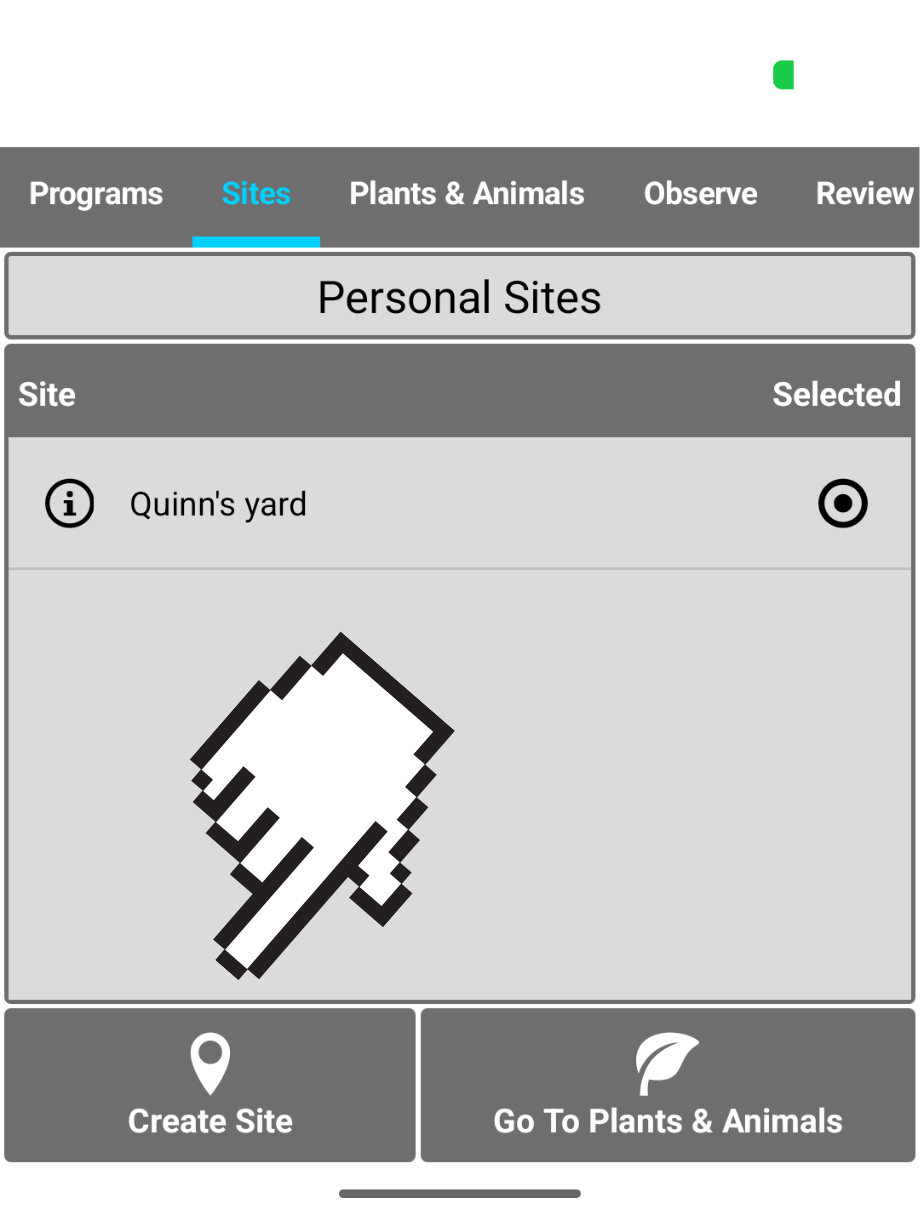
2) From the Sites tab, click on “Create Site.” You will then enter the name of your site. Make sure your site name includes your actual name for easy tracking!
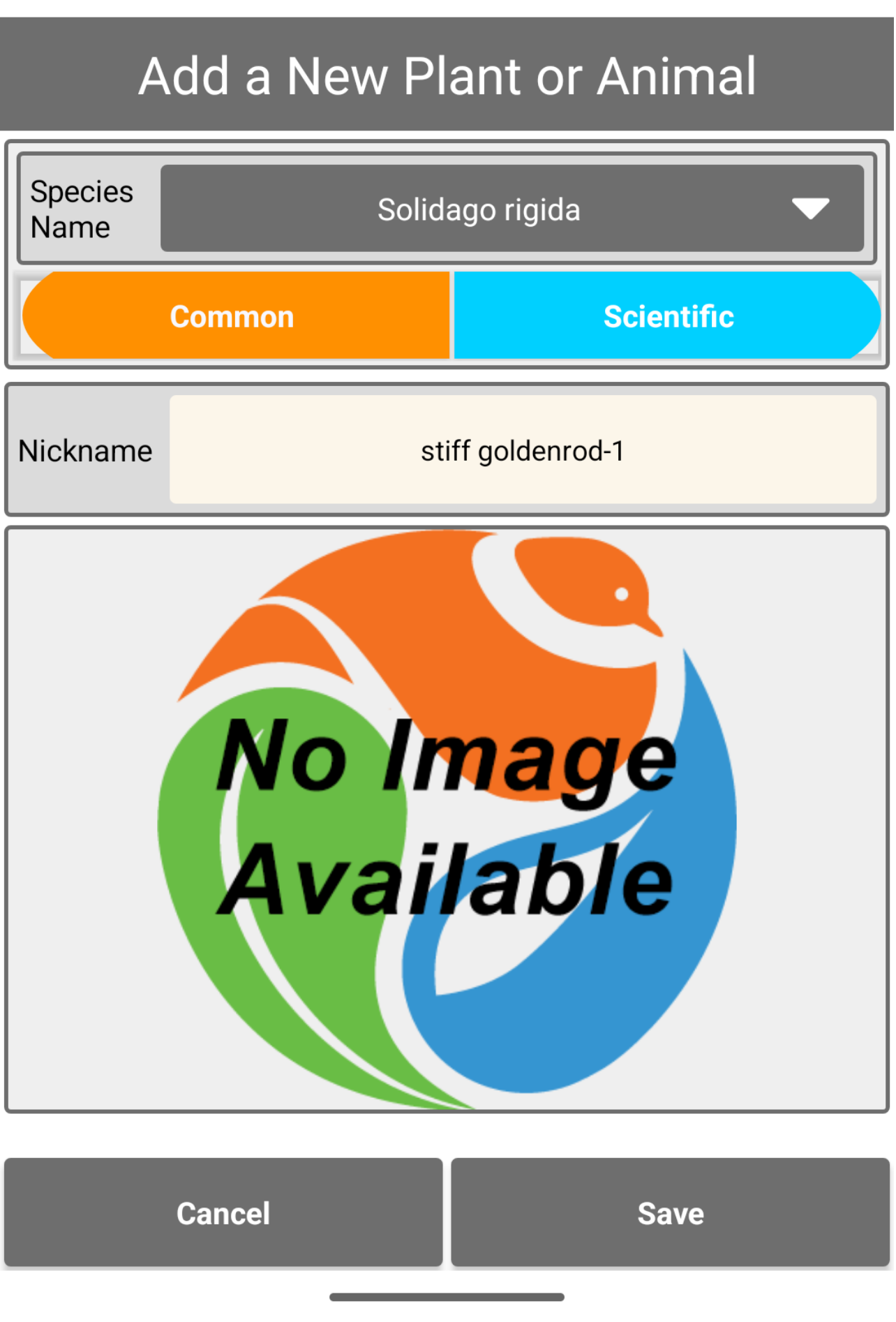
3) Now it’s time to add the plants in your garden! Enter either the scientific or common names for your garden plants. Note that not all of the garden plants are currently available on Nature’s Notebook. The plants that are available are:
Rudbeckia hirta (black eyed susan)
Linum lewisii (lewis flax or blue flax)
Symphyotrichum laeve (smooth blue aster)
Artemisia ludoviciana (white sagebrush, praire sage)
Solidago rigida (stiff goldenrod)
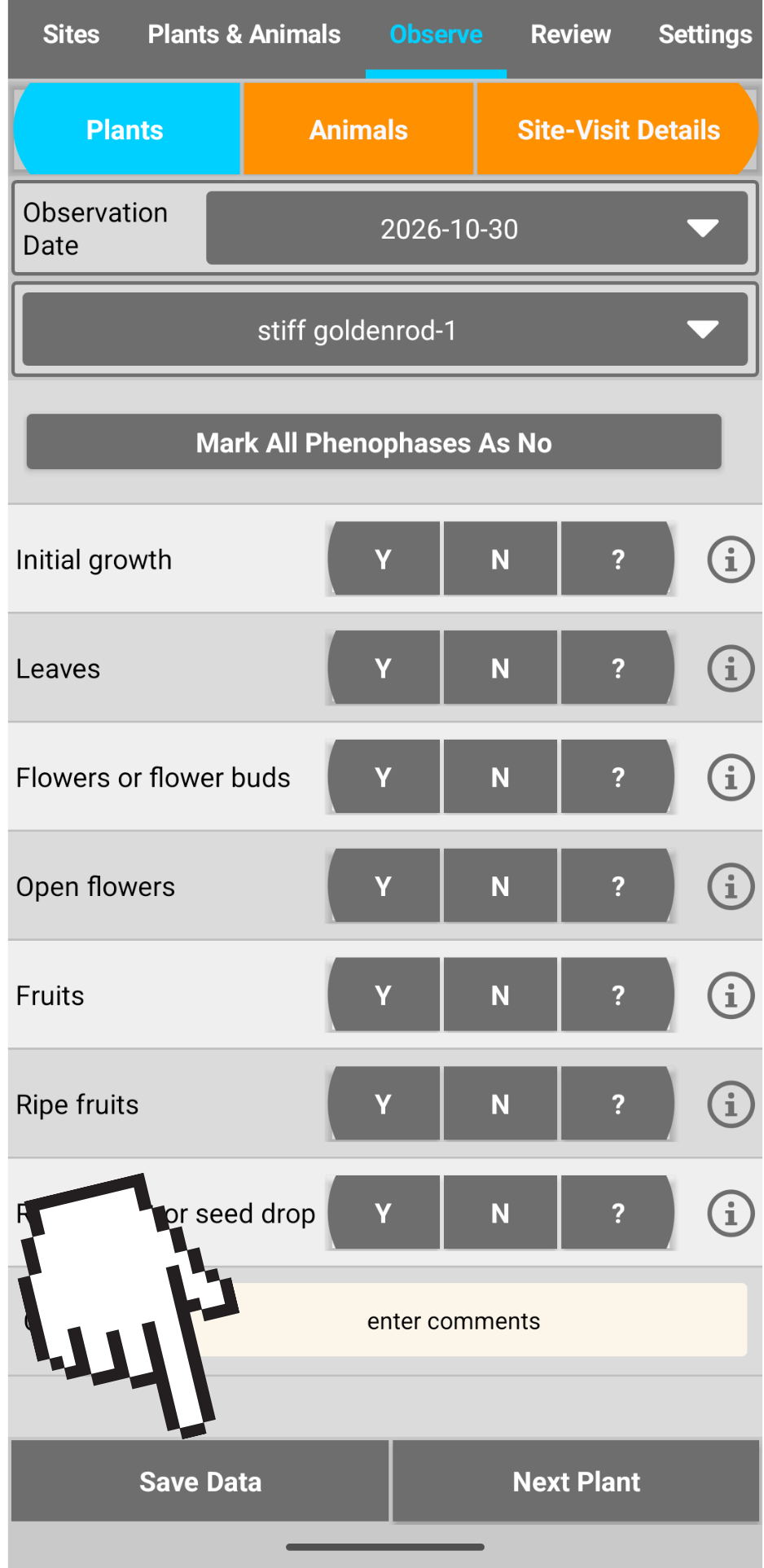
4) Once you have your plants added, you can make your phenophase observations! Just make sure to save your data after entering!